A screenshot tool has two challenging jobs. It has to touch the operating system at its deepest layer — the screen-capture APIs, the global hotkey table, the permission database — and it has to give you a beautiful user experience.
Most application toolkits make you pick between performance and usability. Web frameworks own the face and borrow the deep layer. Desktop frameworks own one layer or the other and port the rest. Most cross-platform apps pick one platform’s APIs and shim the other.
hypershot is built from the ground up in Qt and C++, and it does the opposite of shimming: on macOS it talks to ScreenCaptureKit, on Windows to Windows.Graphics.Capture, the same pipelines each OS trusts for its own capture tools. Both feed the same shared engine. Both machines run the real thing. Nobody is running a port.
The deep layer is where C++ earns its keep
Screen capture is a systems problem, and both operating systems expose it as a systems API. A screenshot tool is judged on one number: how long between you pressing the hotkey and the frame landing under your cursor. “Fast on both” doesn’t come from one middle layer that works everywhere. It comes from the best path on each OS, meeting in the middle. Those paths want direct memory access, reference counting, and a thread that never sleeps. Tricky stuff, and C++ gives hypershot all three without a middleman.
On macOS, frames stream through ScreenCaptureKit as CoreVideo pixel buffers, and we convert them to images on the CPU on purpose: the reticle you watch while framing a shot samples live frames on the GPU, and we would rather the CPU do the conversion than fight the GPU for time. The app runs on macOS Sonoma and later, where ScreenCaptureKit became a dependable API instead of a bet.
On Windows, frames land as D3D11 textures through WinRT, and the capture thread holds the texture reference without touching it, converting to a full-resolution image only when something actually needs pixels. The live preview reads a downscaled version, about 2MB of pixels instead of ~33MB, so the reticle stays smooth even on a 4K display. When you export, the encoder is Windows’ own Imaging Component, not a bundled third-party stack.
Same shape on both, different nouns. And no garbage collector anywhere in the loop: a managed runtime has to stop the world somewhere, and a frame budget of ~33ms at 30fps has no room for that.
Four small C++ interfaces hold the platforms apart
The capture engine, the editor model, the annotation math, the export pipeline: all of it is plain C++ that compiles once for each platform and never checks which one it is. Everything platform-specific sits behind four small interfaces: the capture engine, the hotkey manager, the permission manager, and the text detector. A factory picks the implementation when the app starts, and nothing above that line ever learns which OS it is running on.
That split decides which bugs are cross-platform and which are local. An annotation that renders wrong renders wrong on both machines, because annotations are shared code. A capture glitch on Windows stays in the Windows engine, because the Windows engine is the only place it can live.
One face, by construction
The UI is the other half of the story, and that’s where Qt’s QML language does the work. Every window you see — the capture overlay, the editor, the frame scrubber, the permissions window, the pinned-image controls — is a QML component. One set of components drives both operating systems, so the overlay’s motion, the animation on your annotations, the way the reticle settles on a window: identical on macOS and Windows, by construction, not by coincidence.
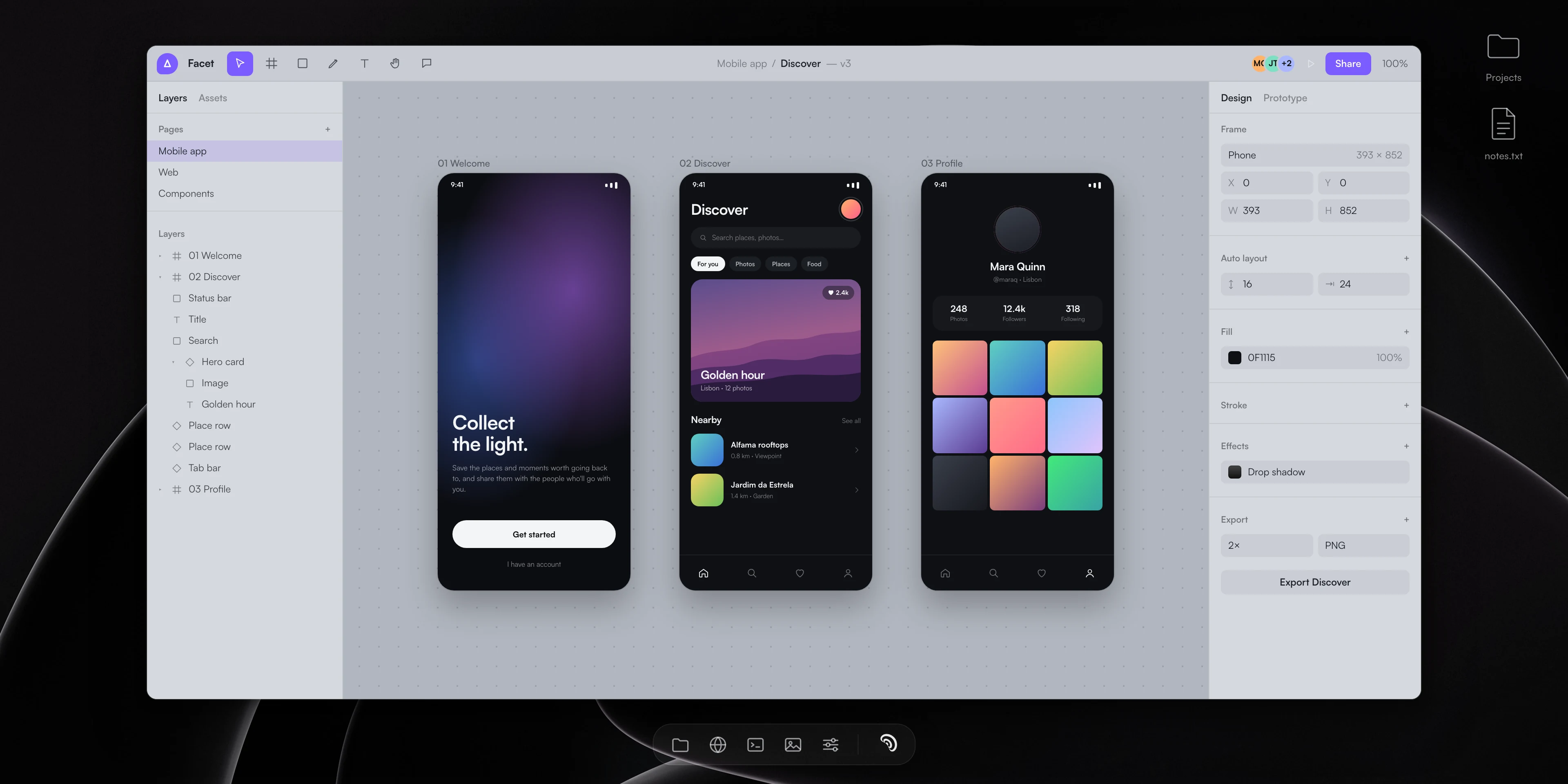


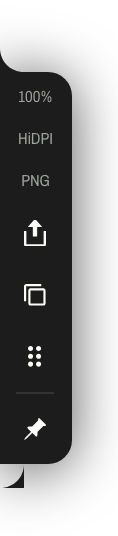
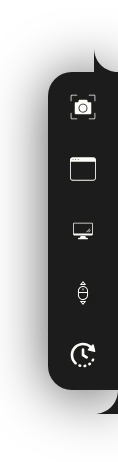

QML is the right tool for this specific kind of UI: a few windows, mostly transparent, mostly GPU-composited, and always on top. The UI thread never blocks on a frame.
A unified platform
The platform layer is where the operating systems show their differences. macOS reserves ⌘⇧3 through ⌘⇧6 for its own screenshot keys, so we never claim them: the default region capture is ⌘⇧2. Windows reserves Win+Shift combos for the shell, so a hotkey registered under one simply never fires; the defaults live in the Ctrl+Shift family instead. The settings screen shows both families, and if the combo you pick is already taken, the app walks you to a free one.
C++: the modern part is doing work, not signaling
The codebase compiles as C++23, and the standard shows up in the hot paths rather than in the style. The frame buffer moves ownership from the capture thread to the editor with a single swap: no deep copy of a dozen full-resolution frames when you lift the reticle. Atomics carry the capture parameters between threads without a lock. A capture mode that is a dispatch code rather than a stored state (frozen region capture normalizes to plain region) keeps the model honest instead of growing a mode list that never shrinks.
Every dependency does real work
Everything hypershot ships is doing a job, not padding the binary.
- Qt — the UI engine, the window handling, and the threading primitives the capture loop runs on
- QHotkey — the global hotkey registration on Windows, vendored into the source tree so the shortcut system can’t break under a dependency update
- minizip-ng — the compression inside your
.hypercapturefiles - Countly — usage analytics, so we can see which features get used and fix crashes. It never sees what you capture, and you can switch it off in Settings → About
- Rive — the motion in the overlay and onboarding, the little living details that make the tool feel finished
- QWindowKit — frameless windows that keep their native behavior on both systems
- ZXing-C++ — reading QR codes and barcodes straight off your screen
- libwebp — WebP export
- Sparkle and WinSparkle — updates on macOS and Windows
No web engine. No bundled runtime. No framework that ships a virtual machine to draw a button. Thanks to every one of these projects: the full list, with licenses, is on our credits page.
What about Linux?
hypershot does not support Linux today, but we do love Linux.
Every OS-specific decision lives behind four small interfaces, and everything else — the engine, the editor, the annotations, the export pipeline — is shared. A Linux build means writing one capture engine for Wayland and X11 and one OCR path, and plugging them into a core that already runs everywhere else. That is real work, and we only do real work like that when enough of you want it badly enough.
So here is the straight answer for the Linux readers: we are listening. If hypershot matters to your Linux workflow, request it or upvote it on our feedback board. A Linux release is a “first-class or not at all” decision, and your votes are what flip it.
One product on both of your machines
The reason to build it this way is the reason you’d buy the tool: when your life happens on a Mac at home and a Windows machine at work, your capture workflow, your shortcuts, and your annotations carry over intact. You relearn nothing.
Two operating systems. One engine. Neither of your machines gets the compromise build.