You take the screenshot. You have your point. And now, to actually get it to the other person, most workflows make you perform a little dance:
Save to file. Find the file. Attach it. Wait for upload. “Did it go through?” “Attach the other one.” “Which one.”
By the time the image lands, the moment you captured has already cooled.
hypershot gives you four ways to get the capture out the door, and they are all shorter than that dance.
The OS share panel, from inside the editor
Finish your capture, click Share, and your operating system’s own share panel opens — the same one you’d use in any native app.
On macOS that means AirDrop to the Mac across the desk, Messages to the person in the other room, Mail, Notes, or any third-party app that supports sharing. On Windows it’s Nearby sharing, your default mail app, and the apps that register themselves for sharing.
The point is that sharing feels native, because it is. hypershot is not bolting a cloud service onto the side of a screenshot tool. It is handing your capture to the platform you already use to move things between people.
Drag it. Just drag it.
The capture is sitting in front of you on a canvas. You can grab it and drop it into Slack, Discord, a document, a ticket, a form field — anything with a drop target.
No “save”, no “find the file that was just made”, no remembering where it went. The editor holds the live image; your mouse does the rest.
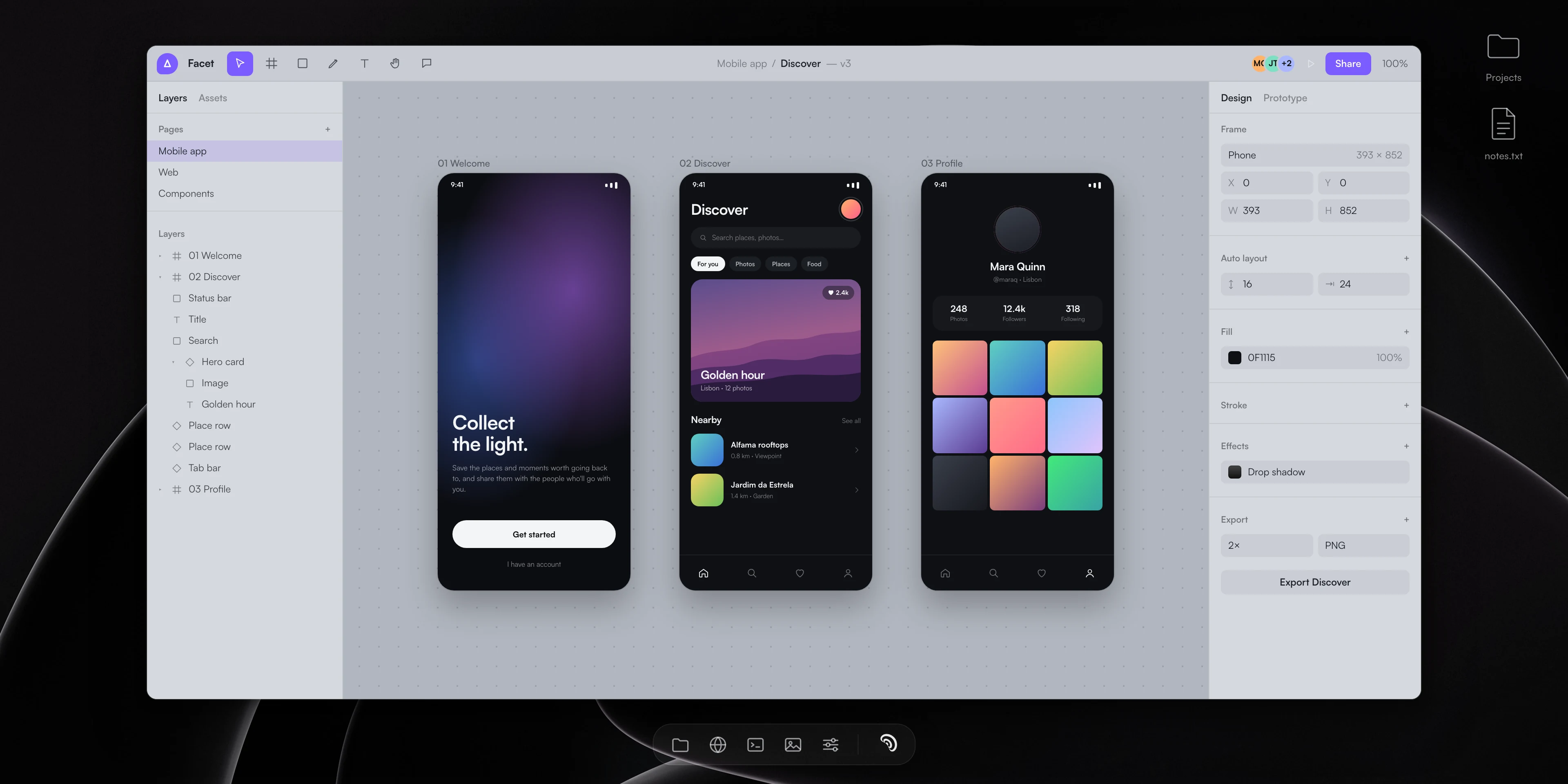
Anyone have the latest welcome flow?
Jo was just marking it up
Here — notes on it
To design-team
Subject Golden hour — welcome flow
Quick pass on the welcome screens 👇
golden-hour.png412 KBSubhead
Title
Background
The clipboard stays full quality
Copy the whole image, or copy just the annotations. The clipboard carries the full-quality result either way, so pasting into a chat or a design file does not involve a generation of lossy round-trips.
There is no “screenshot the screenshot” ritual, no downscaling through a middleman. What you saw is what they get.
.hypercapture: share the thing that is still alive
Here is the one that most tools cannot do.
hypershot saves captures as .hypercapture files — self-contained bundles that include the original capture, every annotation, the layers, the metadata. It is a zip under the hood, so it travels like any file.
The recipient opens it in hypershot and the capture is still editable. Your redacted field is still a redact they can move. Your spotlight is still a spotlight they can retune. Your arrow is still an arrow.
The file system knows what these are too: Finder and Windows Explorer both show live thumbnails, installed automatically with hypershot. A .hypercapture on a shared drive does not look like an extension with no icon. It looks like the shot.
The dance, retired
Pick the lane that fits the moment:
- Same room, different Mac — AirDrop.
- Slack/Discord/doc — drag and drop.
- Quick paste — copy to clipboard.
- “I want you to keep editing this” — send the
.hypercapture.
The screenshot was supposed to make communication faster. The sharing step is not supposed to be the slow part of it.